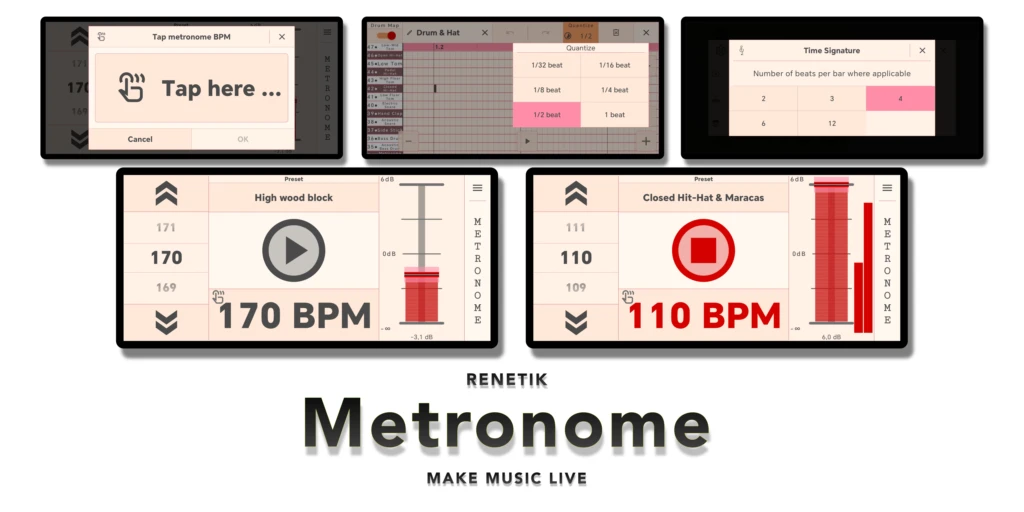
Metronome
Practice, perform, and sync with precise tempo control, editable rhythm presets, instruments, and MIDI.

Precise timing for practice and performance
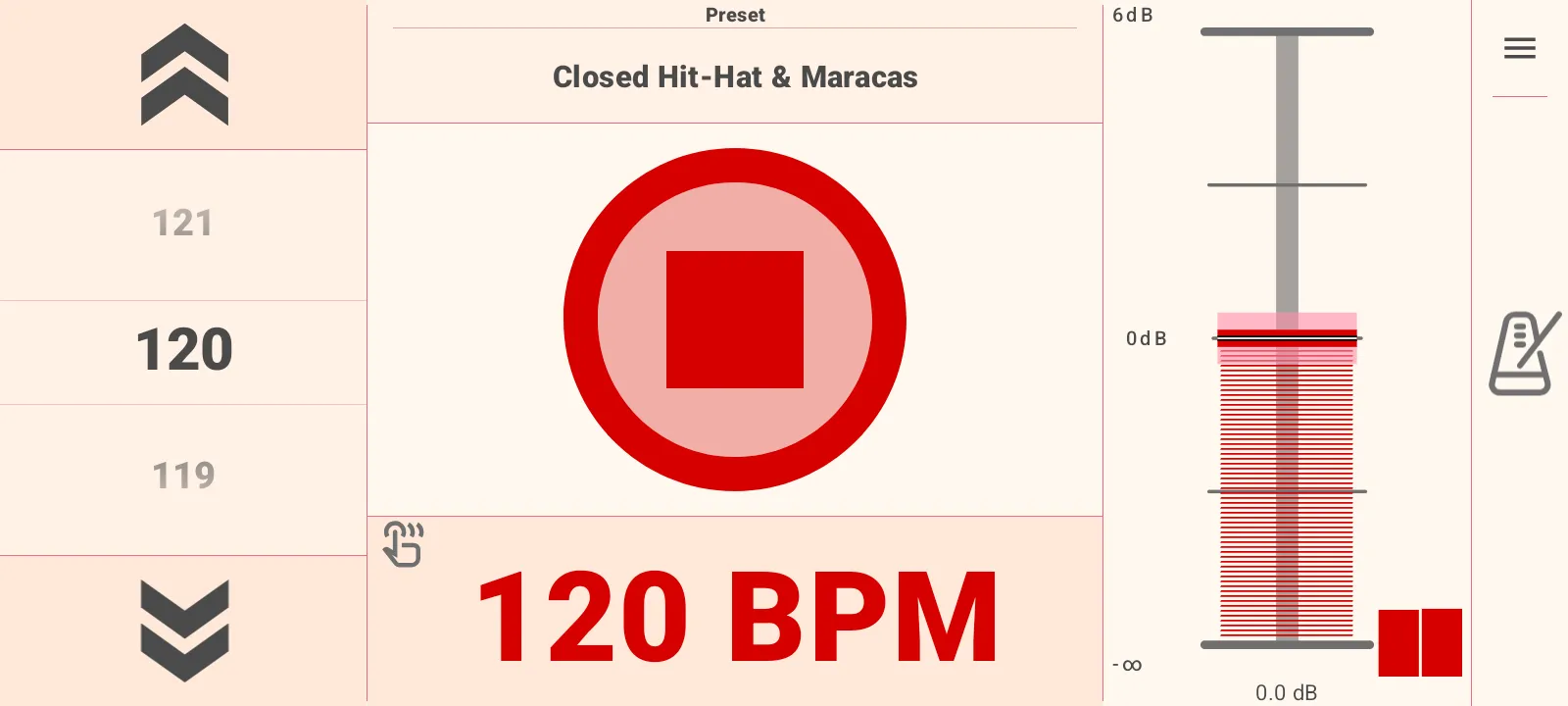
Keep tempo visible, editable, and ready for live use. Start and stop from one large control,
adjust BPM while playing, tap a new tempo, and shape the click into musical patterns that
fit the way you rehearse or perform.
Large BPM controls
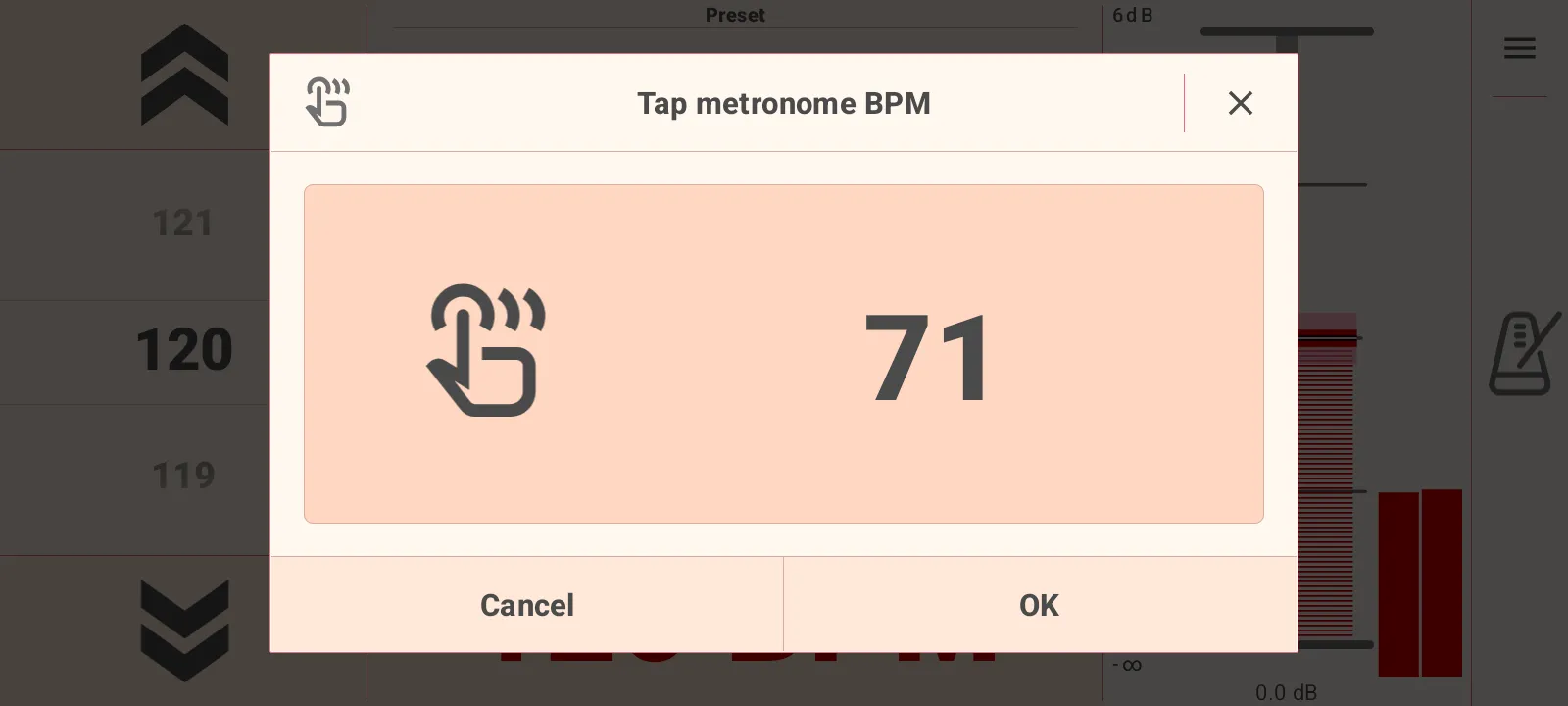
Set tempo from the main screen, change it during playback, or tap a tempo into the Tap BPM dialog.
Play, stop, mute
Use a large central transport, right-side volume control, mute behavior, and audio panic when you need silence immediately.
Time signatures
Work in Beats or Bars mode with supported bar lengths of 2, 3, 4, 6, and 12 beats.
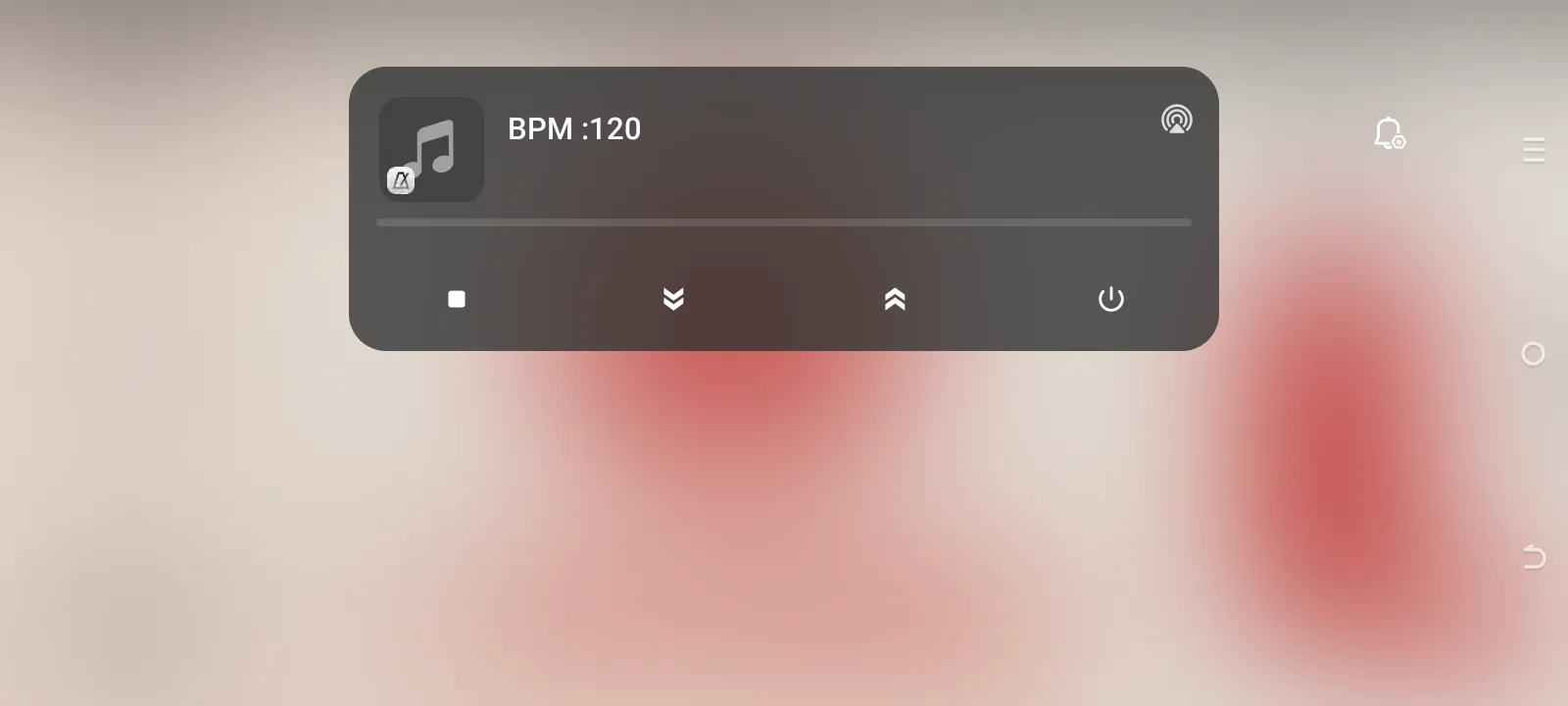
Android notification controls
Control active playback from the system notification with stop, tempo down, tempo up, app, and exit actions.
Rhythm presets, instruments, and SoundFonts
Move beyond a plain beep. Choose built-in patterns, save your own versions, assign drum
instruments, import SoundFonts, or expand the sound set through the instrument store.
Built-in and user presets
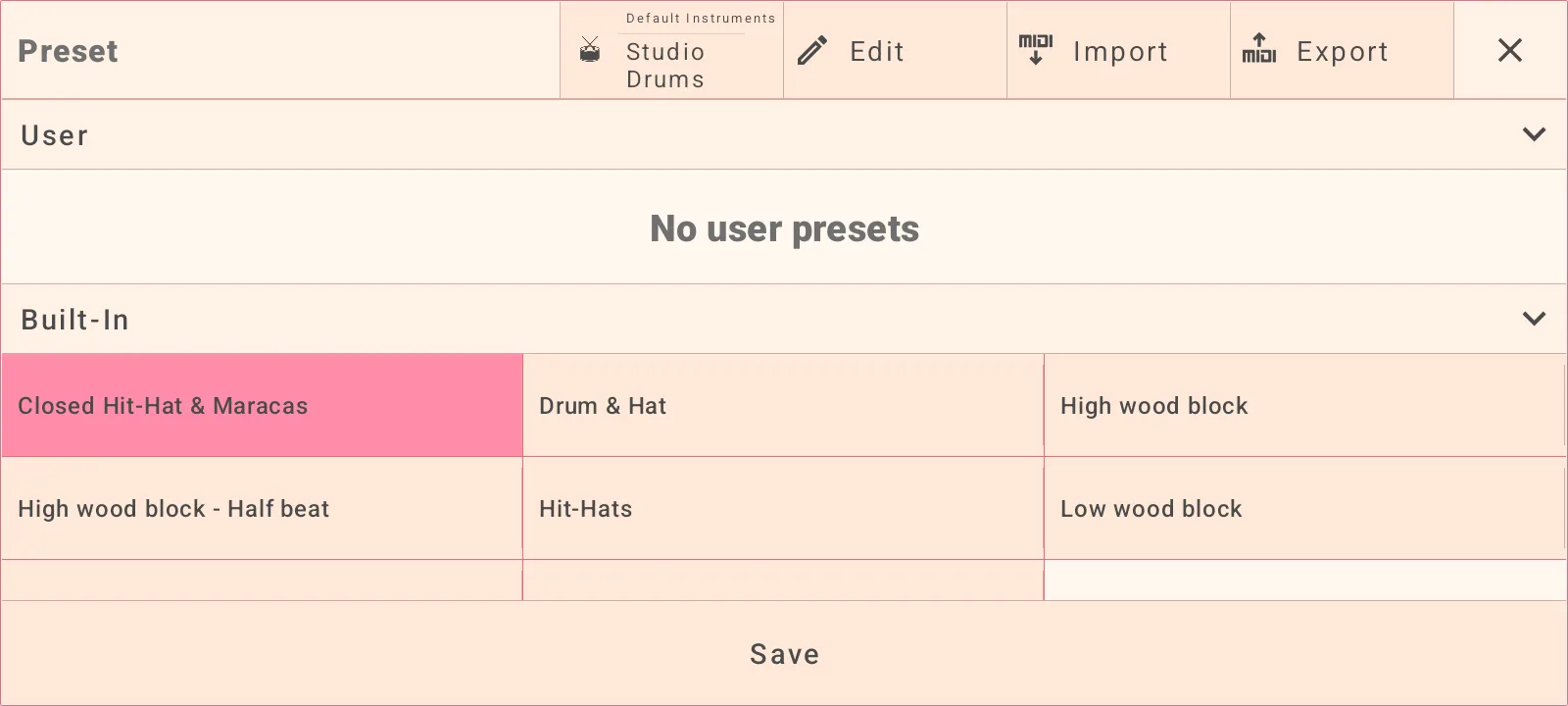
Start with patterns such as Closed Hit-Hat & Maracas, Drum & Hat, wood block, hit-hats, square, and metronome click.
Save edited rhythms
Create user presets from your changes, then browse them separately from the built-in library.
Instrument browser
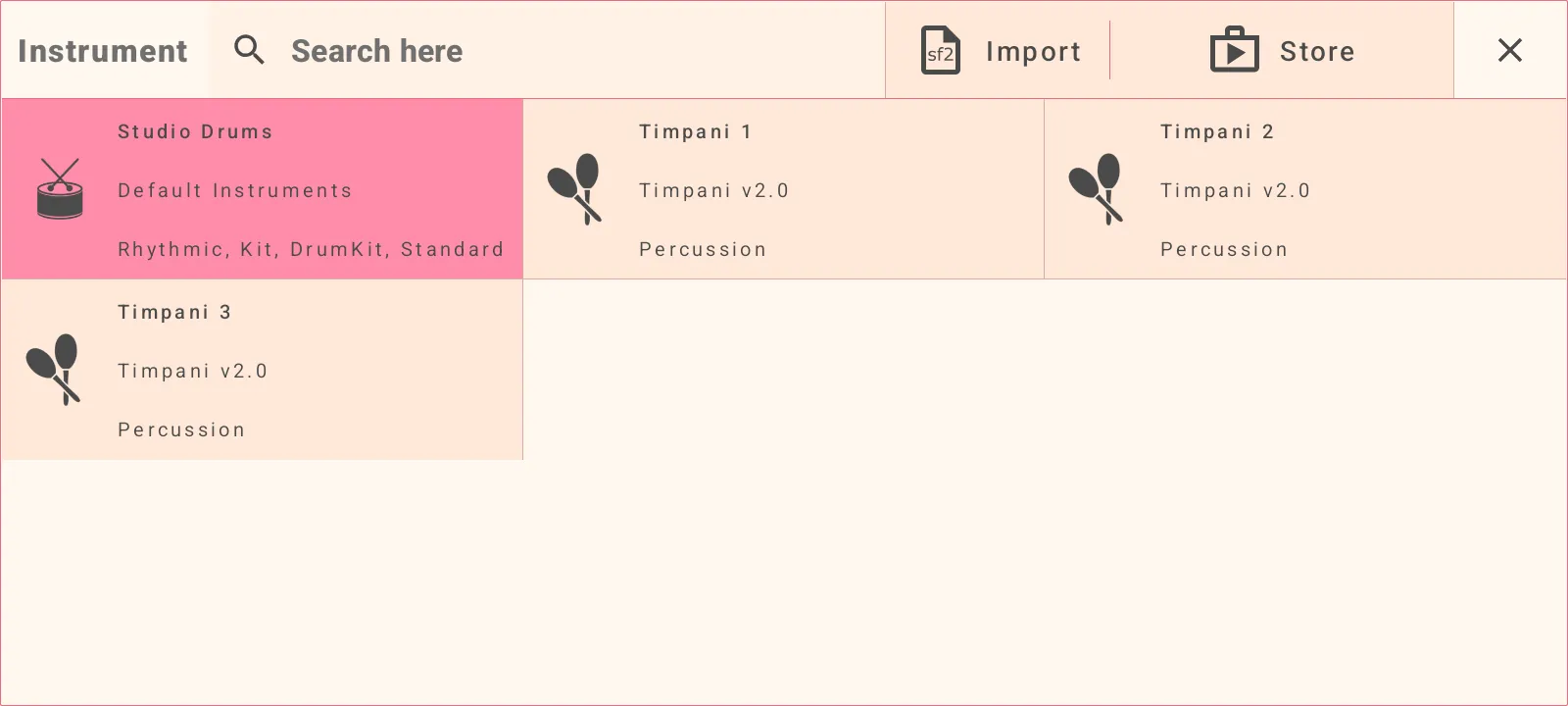
Select Studio Drums, search instruments, load imported SoundFont instruments, or open the instrument store.
Sound pack store
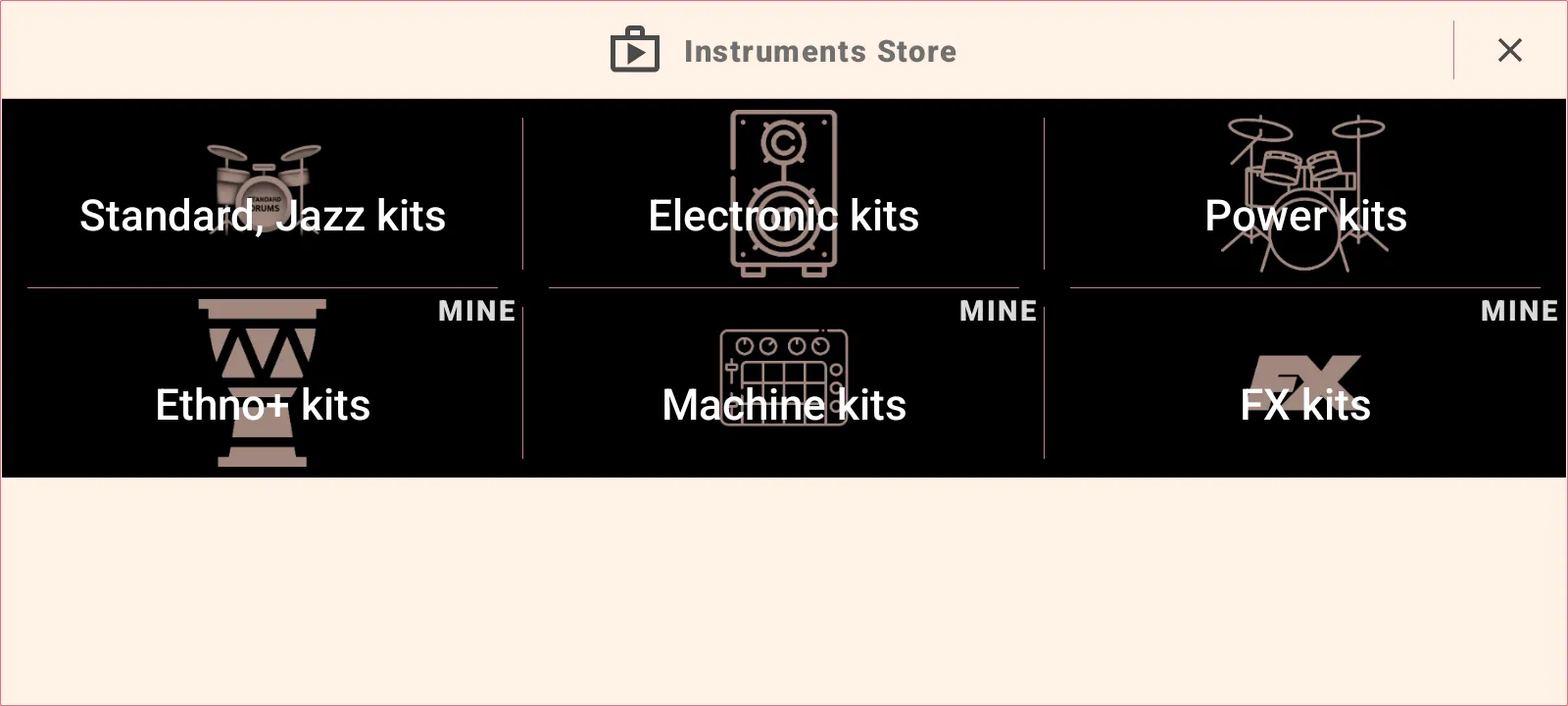
Browse Standard/Jazz kits, Electronic kits, Power kits, Ethno kits, Machine kits, and FX kits.
Full sequence editing
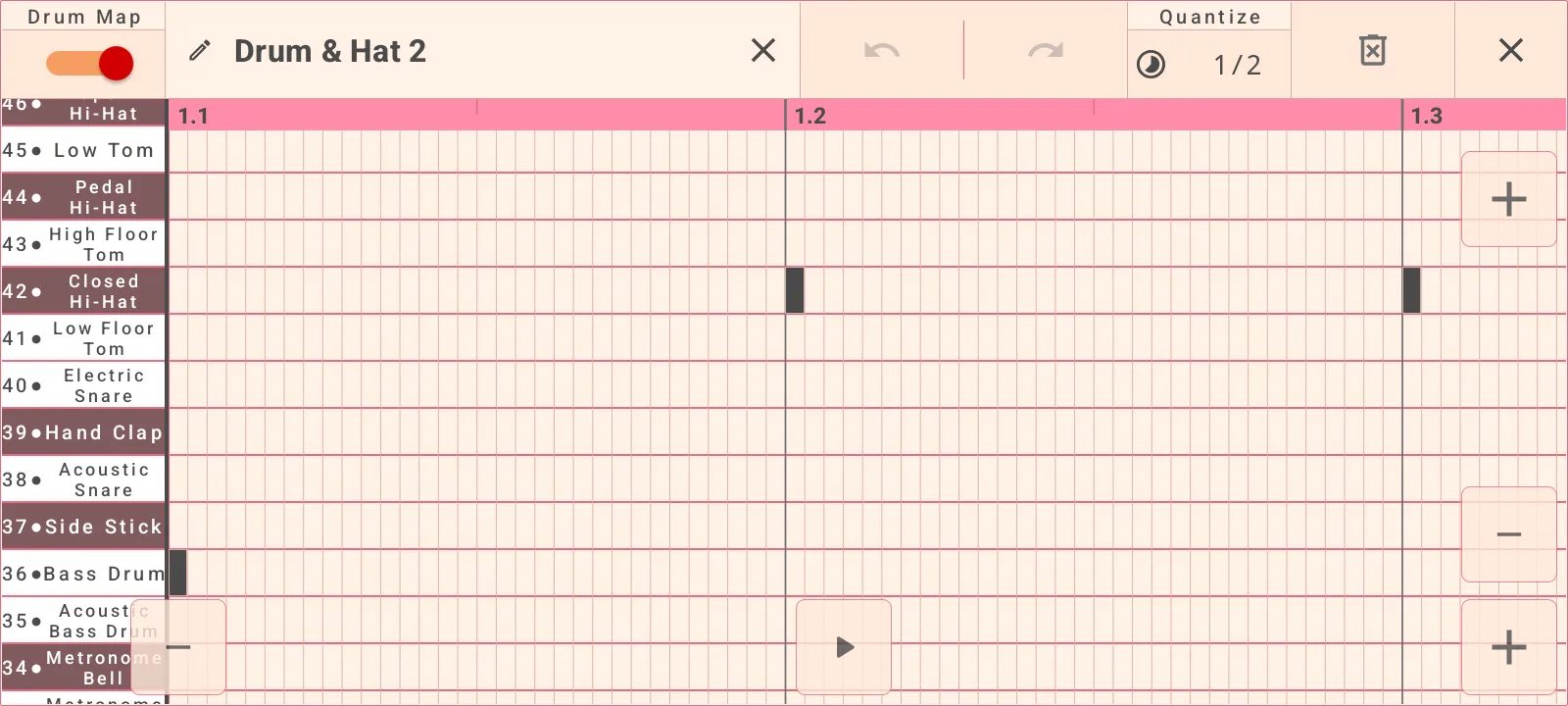
Edit the metronome pattern like a compact rhythm sequencer. Use drum-map or note-name lanes,
select notes, reshape timing, and preview the result before saving.
Drum map and note views
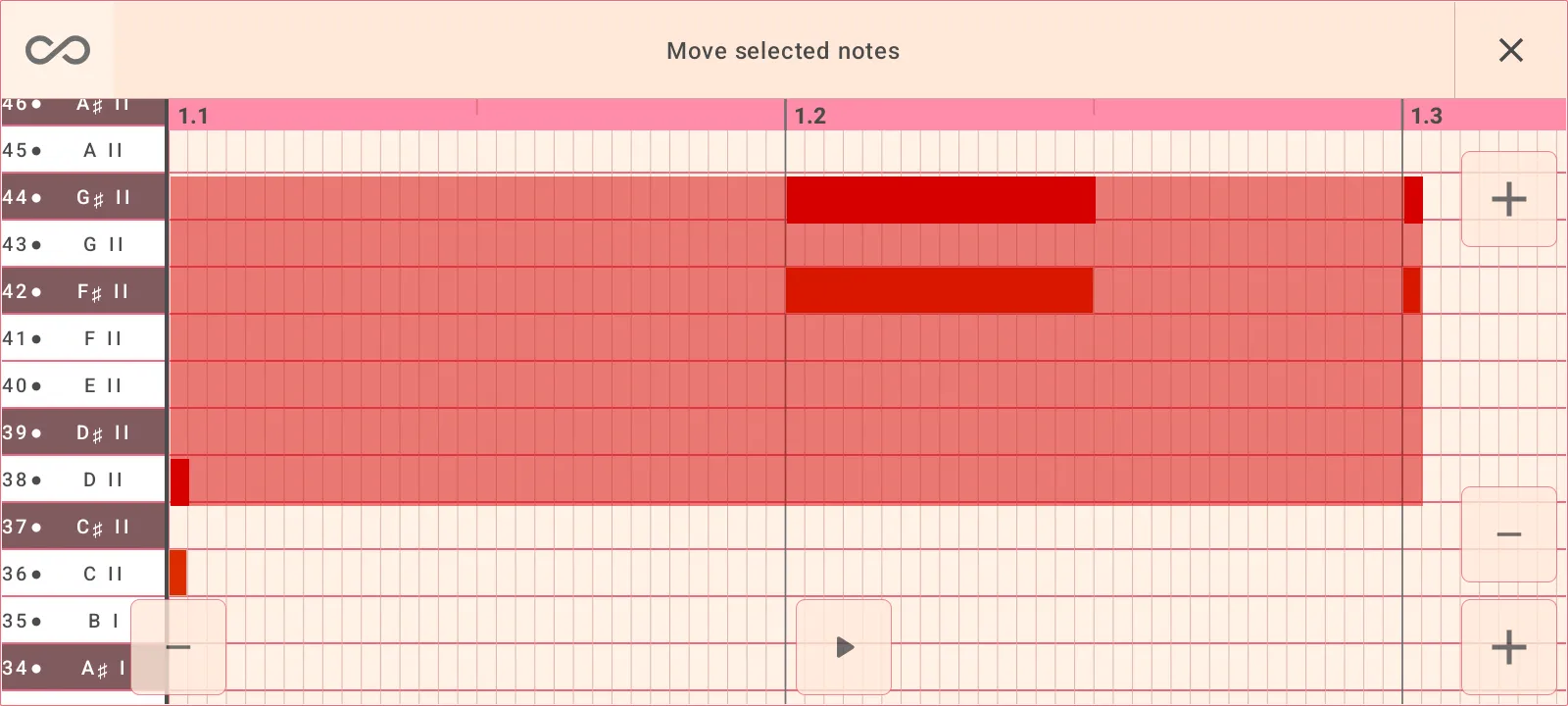
Switch lane labels between drum names and note names while editing musical positions on the grid.
Note editing tools
Copy, remove, move, resize, adjust loudness, and quantize selected notes.
Quantize control
Snap edits to 1/32, 1/16, 1/8, 1/4, 1/2, or 1 beat.
Import and export MIDI
Exchange rhythm sequences as MIDI so your metronome patterns can move between apps and devices.
MIDI sync and external control
Connect the metronome with other music apps and MIDI gear. Send sync out, map incoming MIDI
to app actions, learn controls, and test mappings before relying on them live.
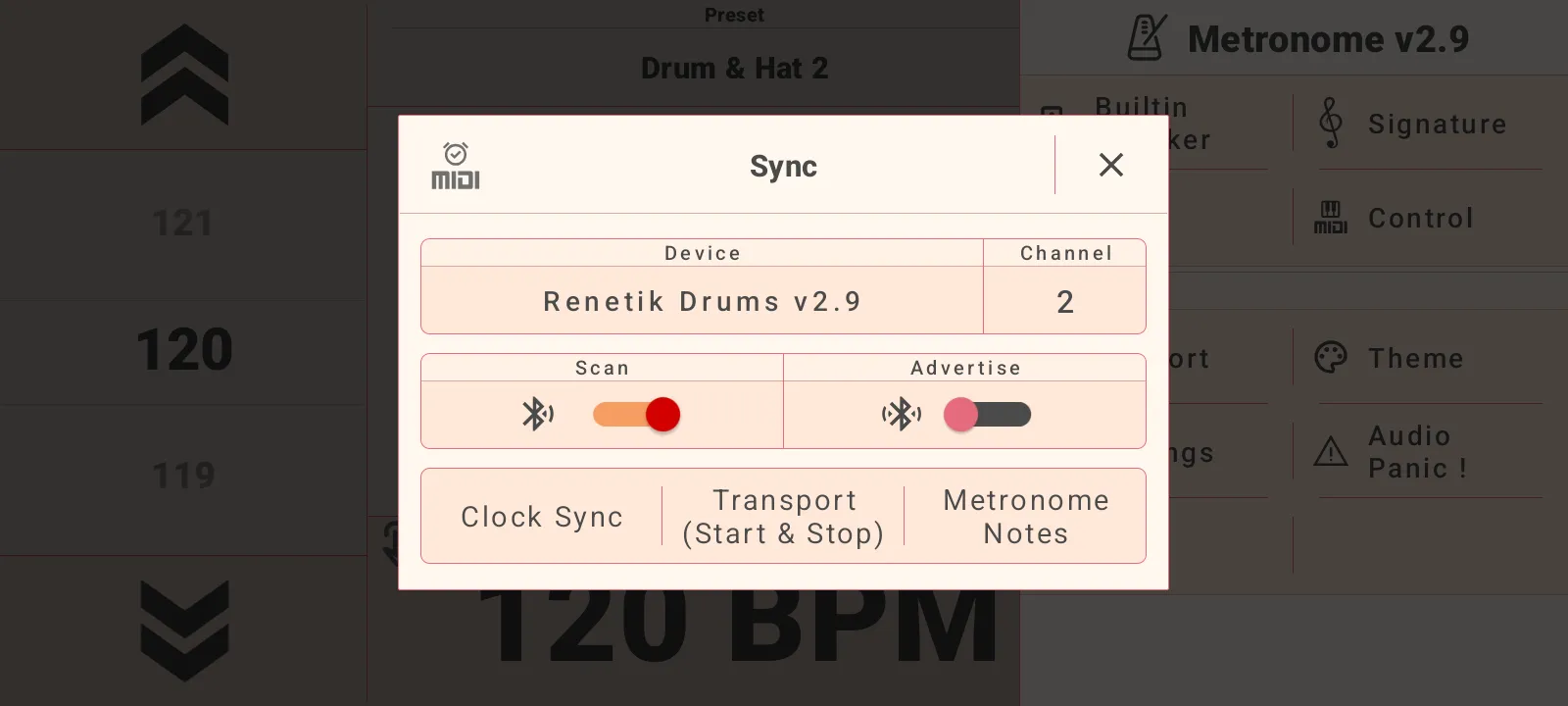
MIDI clock and transport
Send clock sync and start/stop transport to a selected MIDI output device and channel.
Metronome note output
Send metronome notes over MIDI for external sound modules, other apps, or synchronized rigs.
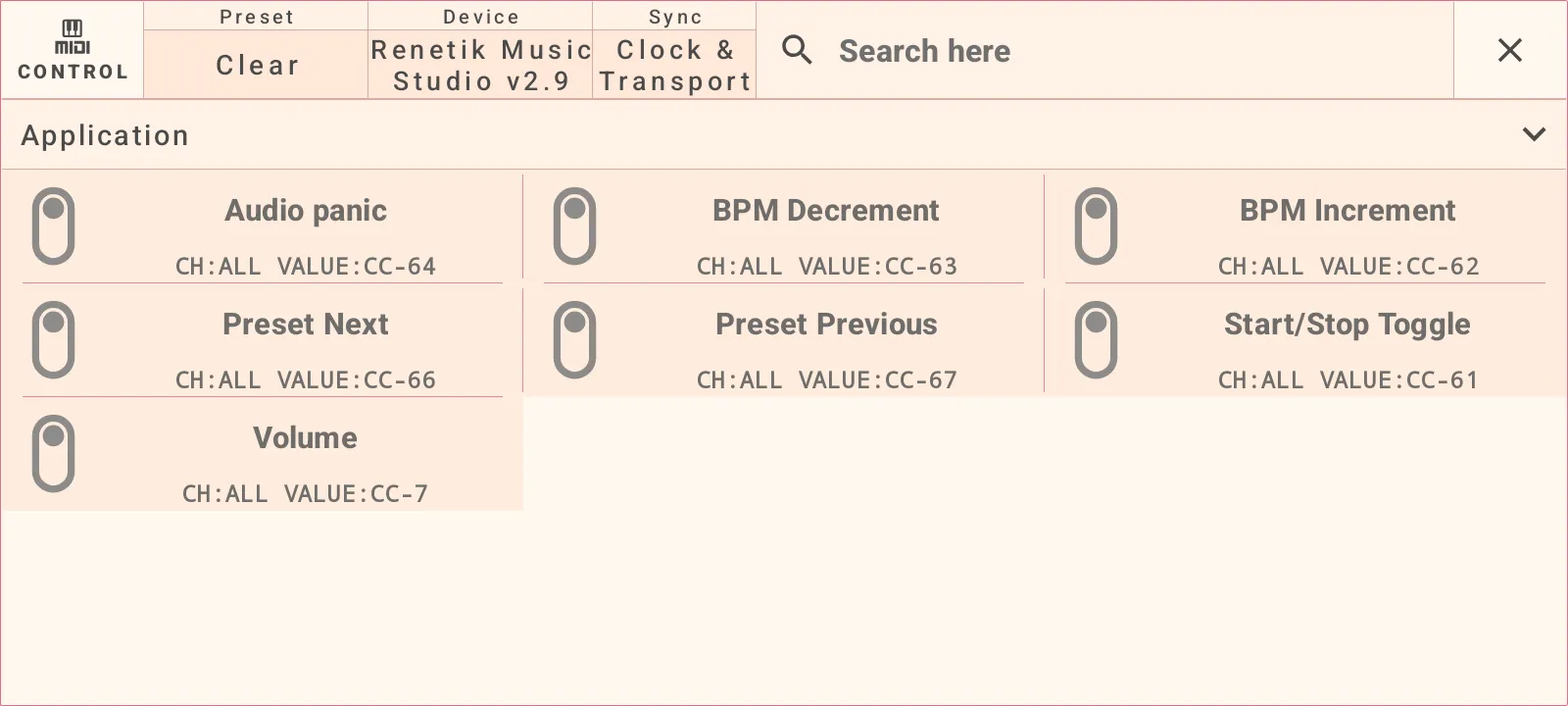
MIDI control mappings
Map Audio panic, BPM up/down, preset next/previous, start/stop toggle, and volume.
Learn and test workflow
Listen for incoming MIDI events, update a mapping, then test it from the control dialog.
Settings and customization
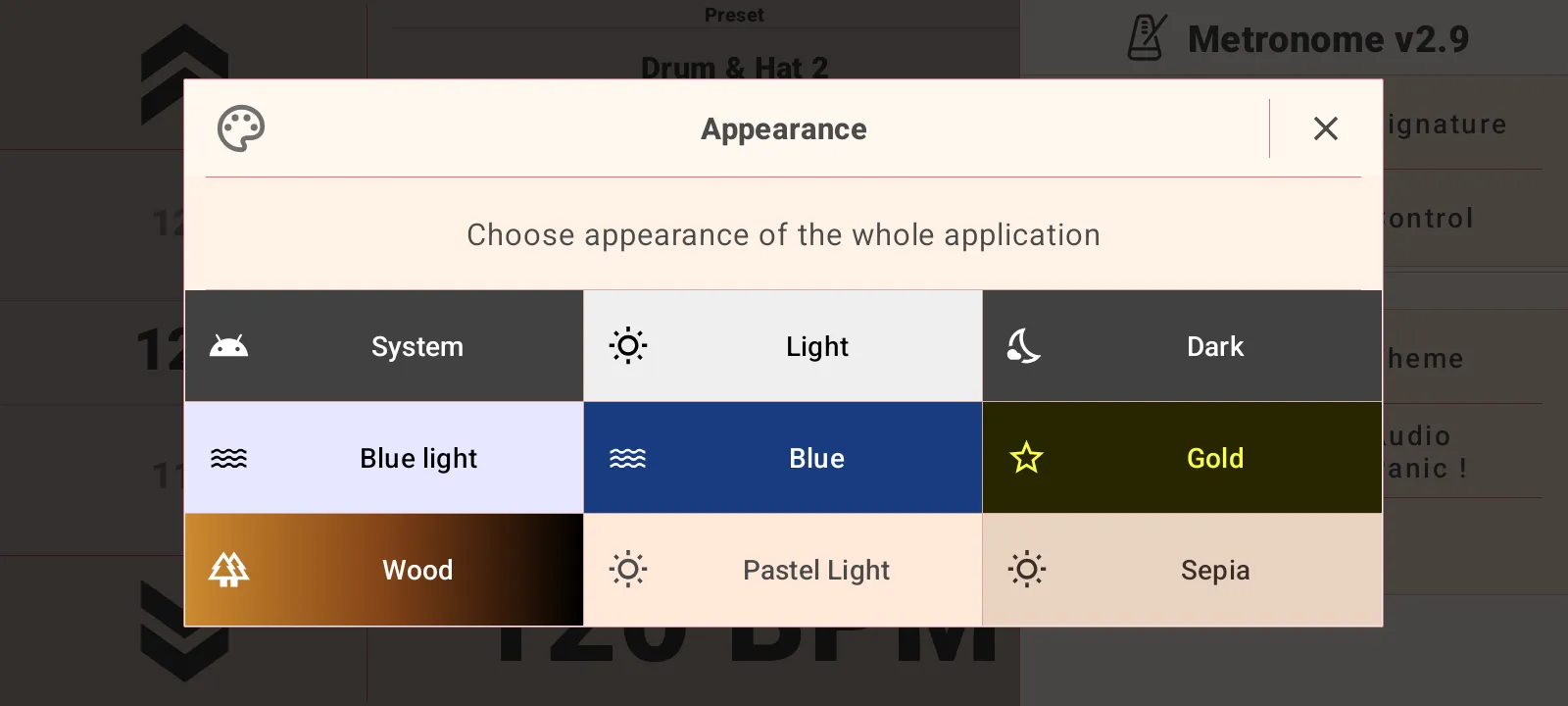
Theme picker with System, Light, Dark, Blue light, Blue, Gold, Wood, Pastel Light, and Sepia themes
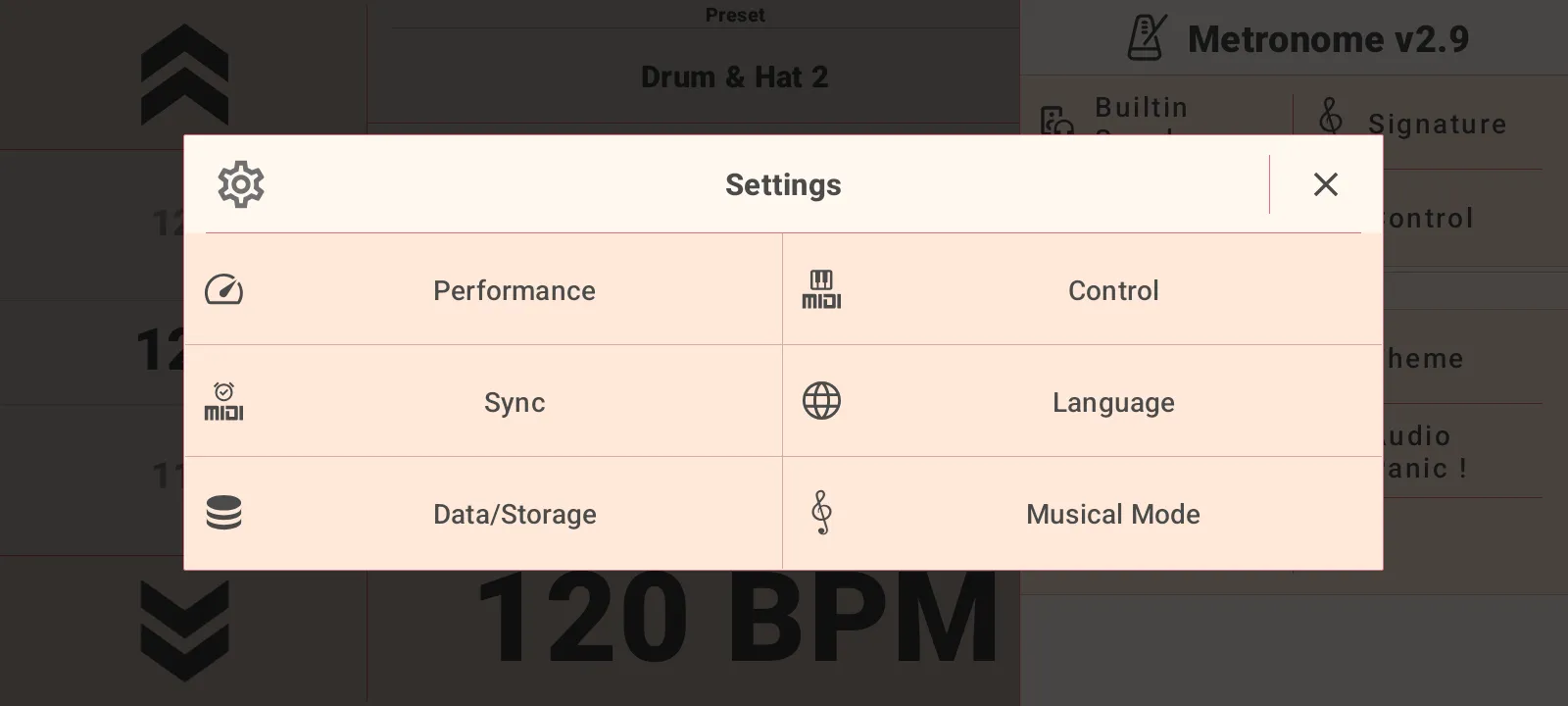
Performance presets and manual audio output tuning
Audio output performance mode, buffer size, output sharing, and sample rate settings
MIDI sync, MIDI control, and audio panic available from the side panel
Language selection with English and other supported languages
Data/Storage export and import for backup or moving app data
Musical Mode switch between Beats and Bars
Free use with feature access limits for advanced capabilities