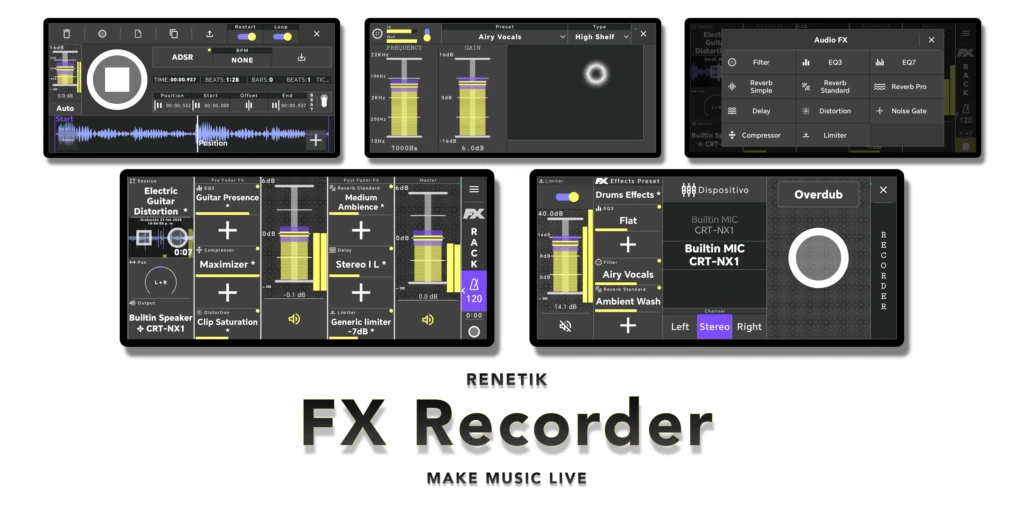
Audio Recorder
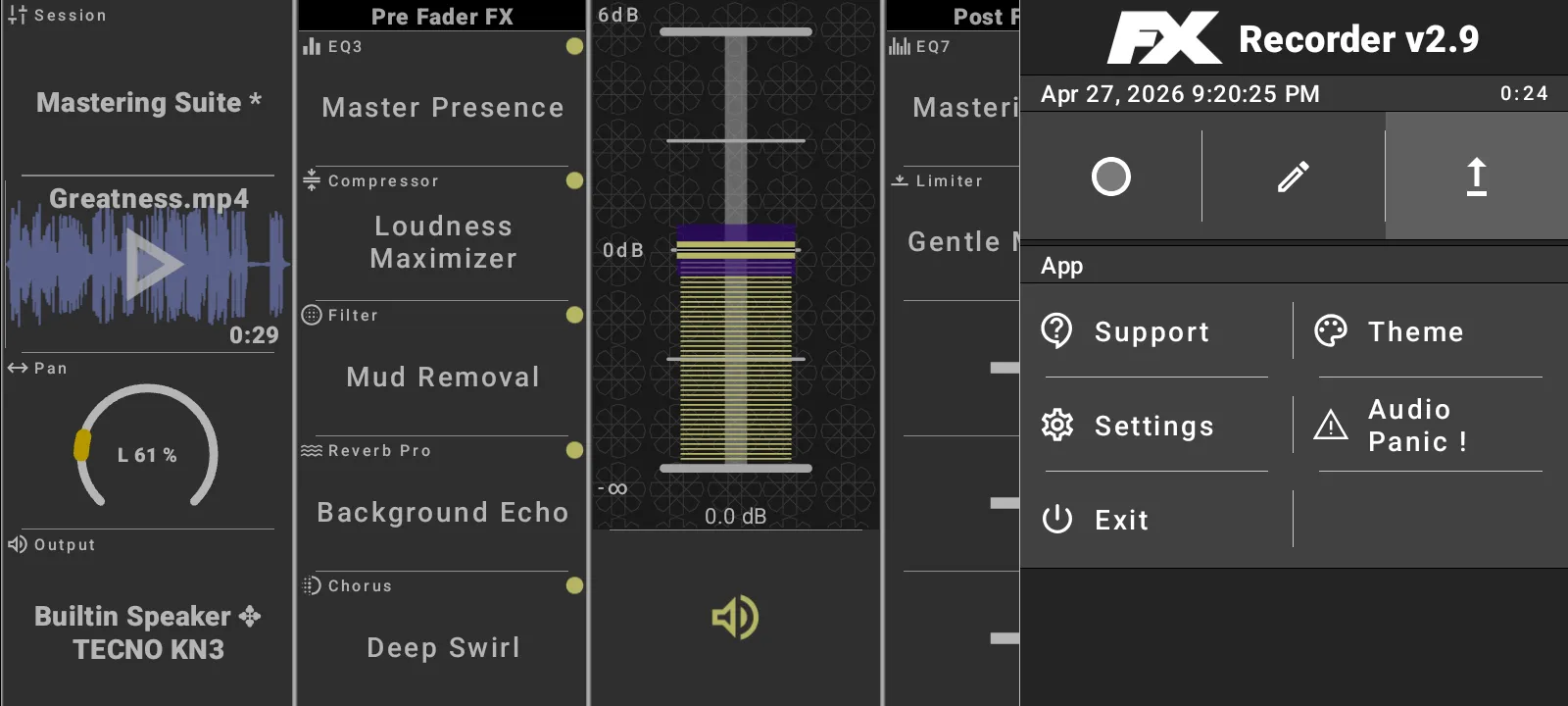
Record, shape, loop, and export audio through a real-time effects rack.

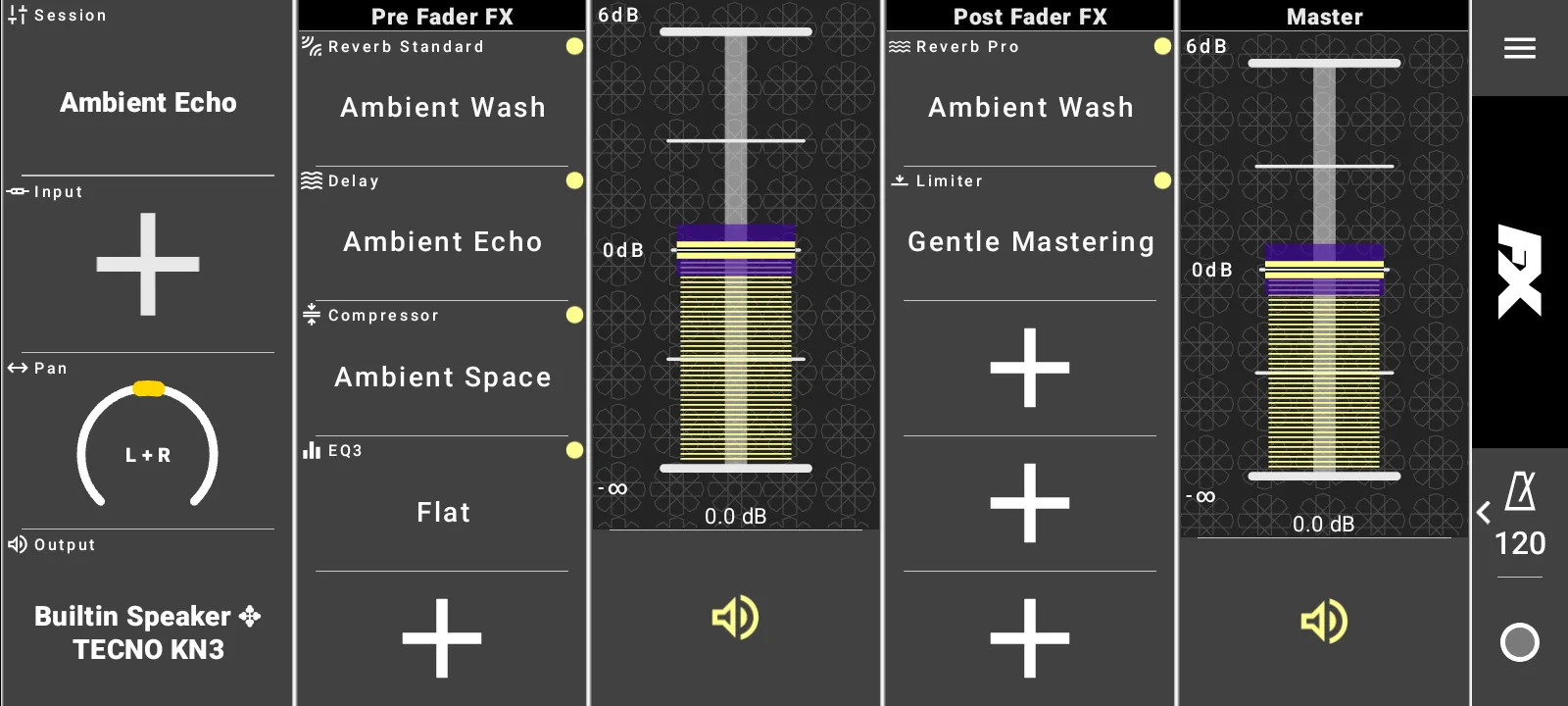
Record, loop, and shape audio in one rack
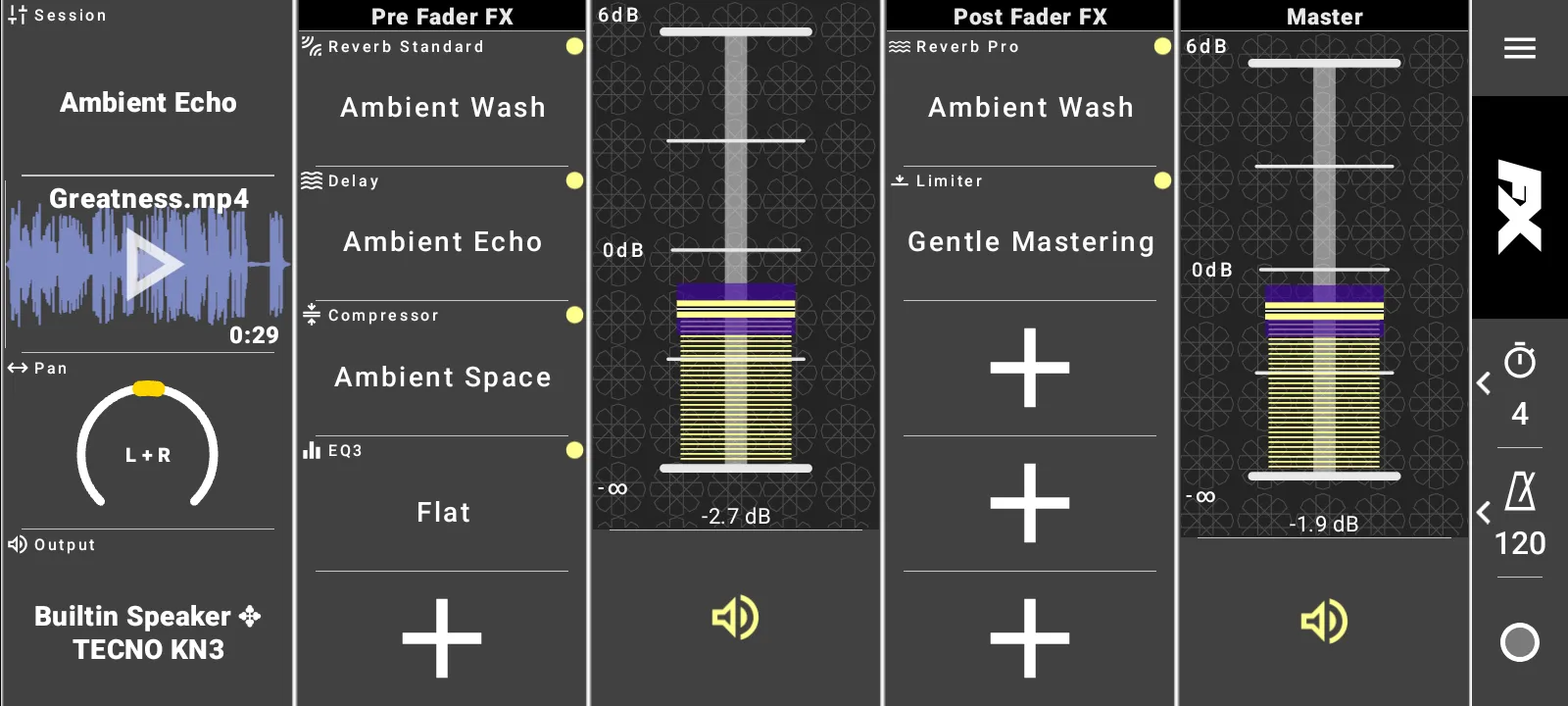
Capture audio from a microphone, interface, file, library sample, or clipboard, then keep the
whole session visible on a touch-friendly rack. Session presets, waveform playback, levels,
pan, output routing, sync time, BPM, and recording controls stay close to the performance.
Rack session presets
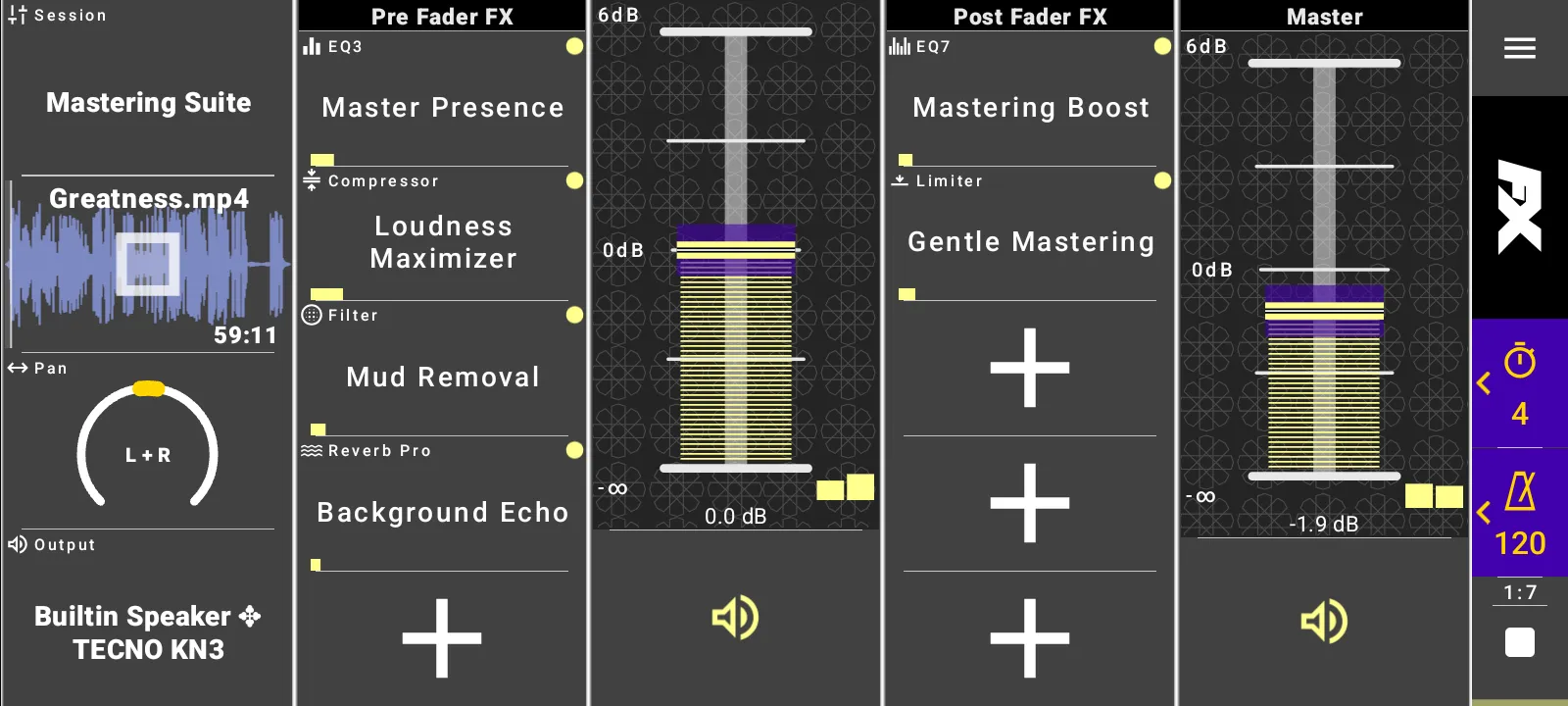
Start from Clear, Podcast Clean, Rock Guitar, Ambient Echo, Vocal Warmth, Mastering Suite, and more.
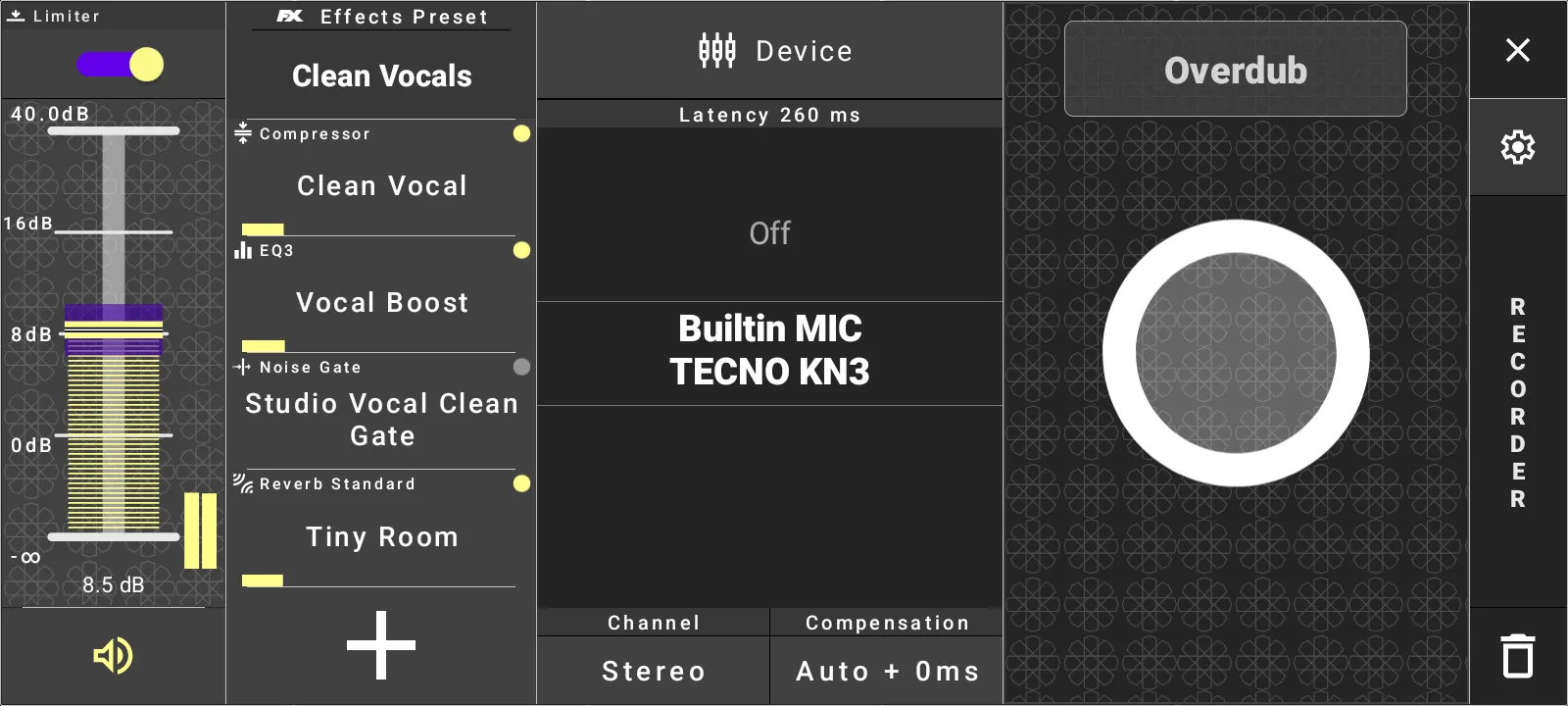
Flexible input sources
Use device input, recorder, file import, sample library, or paste from the app clipboard.
Main track recorder
Record, overdub, monitor input, apply recorder effects, compensate latency, and accept or revert takes.
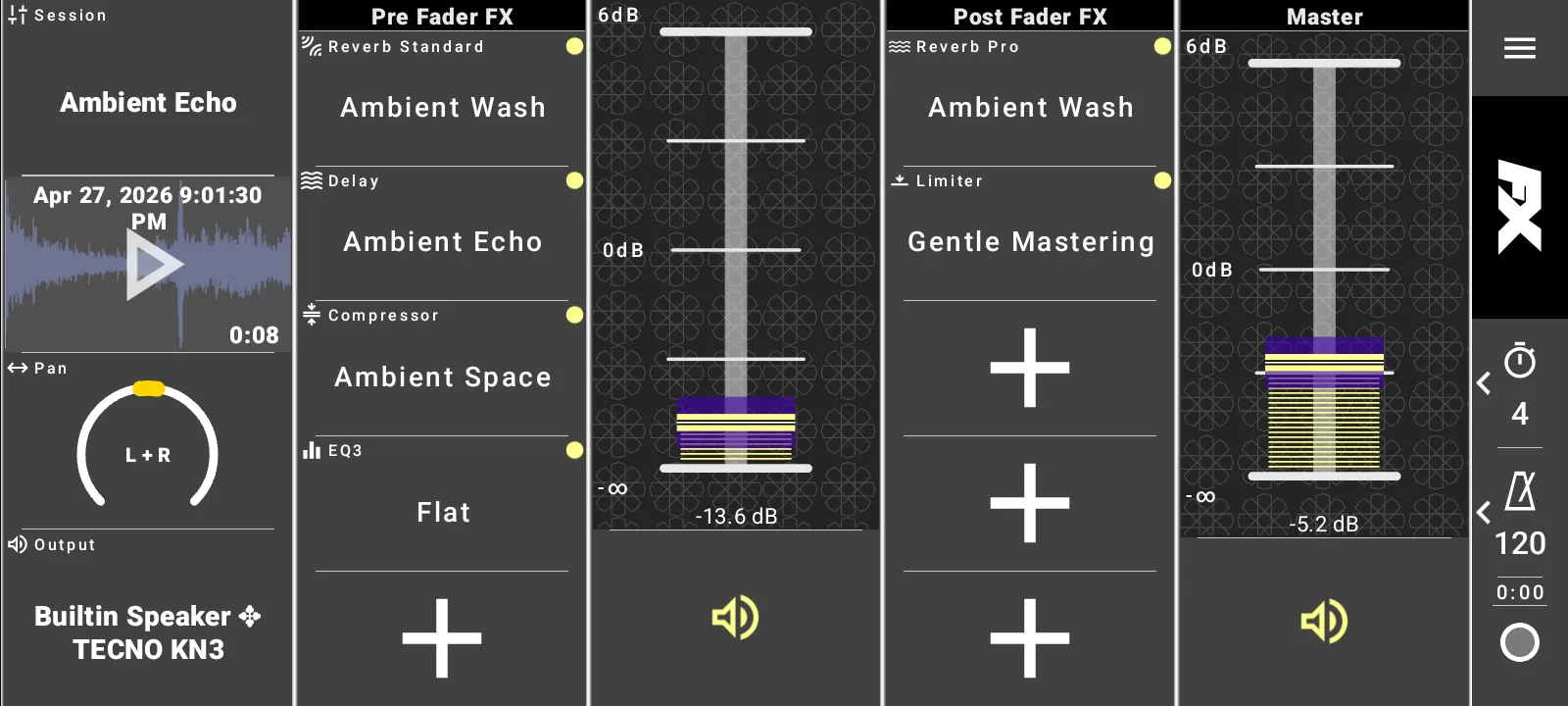
Live waveform playback
Work with loaded clips directly from the rack while adjusting track and master levels.
Full sample editing and export workflows
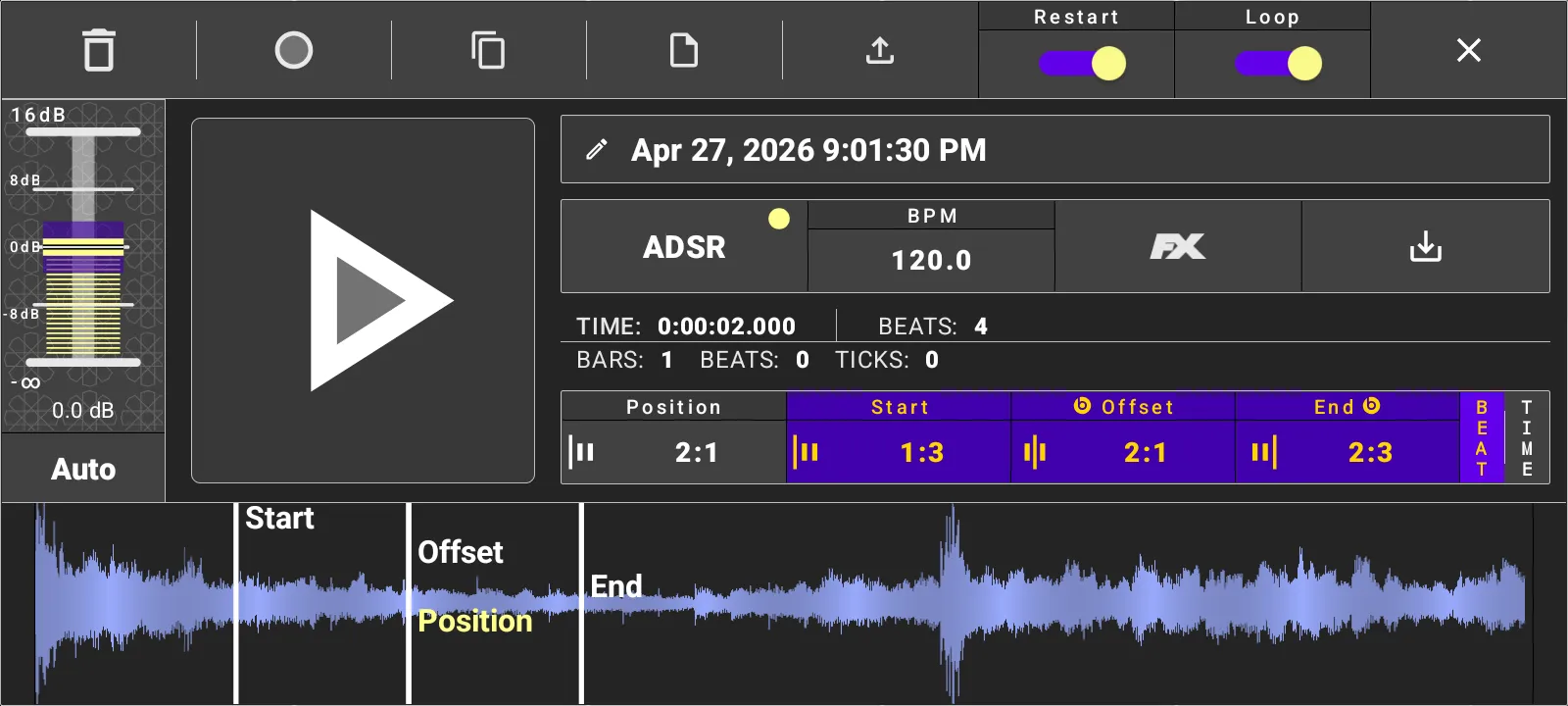
Open the full-screen sample editor to refine clips before performance or export. Zoom the waveform,
set musical positions, shape the clip envelope, render clip effects into audio, and move samples
between the rack, sampler, library, and clipboard.
Waveform editor
Edit playback position, start, end, and offset with Beat or Time display.
Loop and restart control
Assign BPM, snap markers to beat timing, restart playback, and loop samples for rhythmic work.
ADSR shaping
Adjust attack, decay, sustain, release, loop release, and loop attack for the loaded clip.
Import, copy, paste, export
Extract audio from media files, manage samples in the library, copy to clipboard, and export audio.
Pre fader and post fader effects
Build effect chains around the track with visible pre-fader and post-fader slots. Load complete
rack sessions, choose individual effects, edit presets, watch active meters, and render clip-level
effects when the sound should become part of the audio file.
Ten visible rack slots
Five Pre Fader FX slots and five Post Fader FX slots are available on the main rack.
Complete effect set
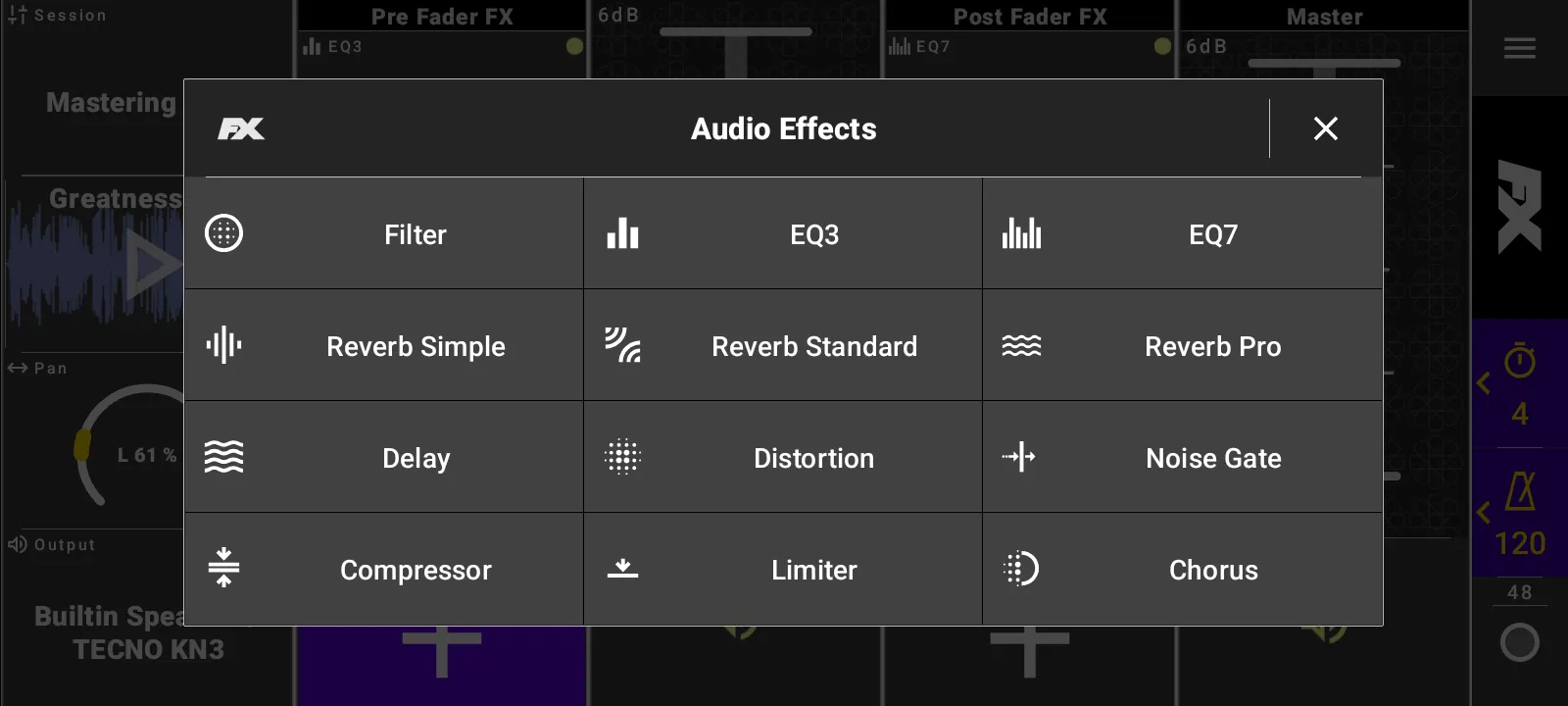
Filter, EQ3, EQ7, Reverb Simple, Reverb Standard, Reverb Pro, Delay, Distortion, Noise Gate, Compressor, Limiter, and Chorus.
Direct effect editing
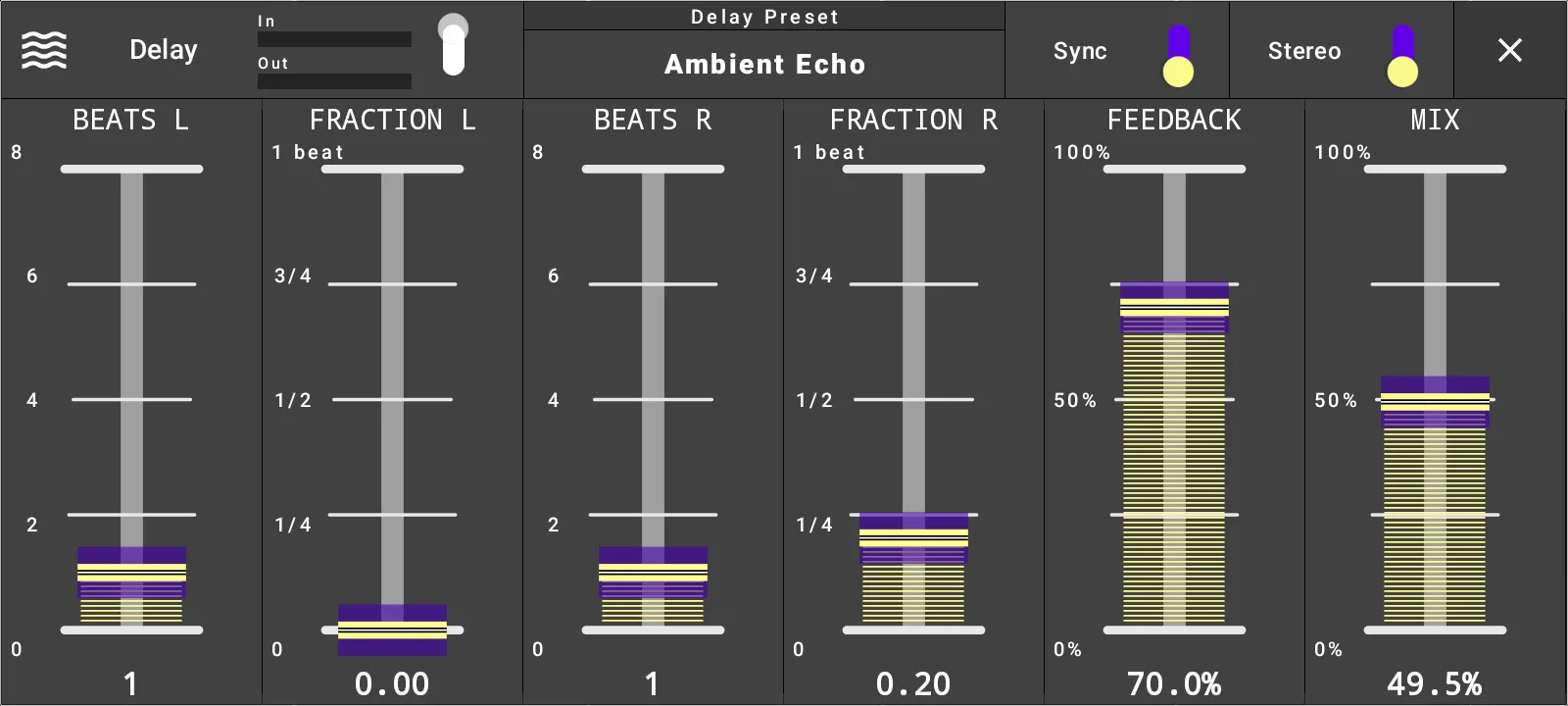
Open any effect slot to choose presets and adjust parameters with large touch controls.
Performance-ready meters
Effect editors and rack controls show active input and output levels where available.
Sync, MIDI control, and performance setup
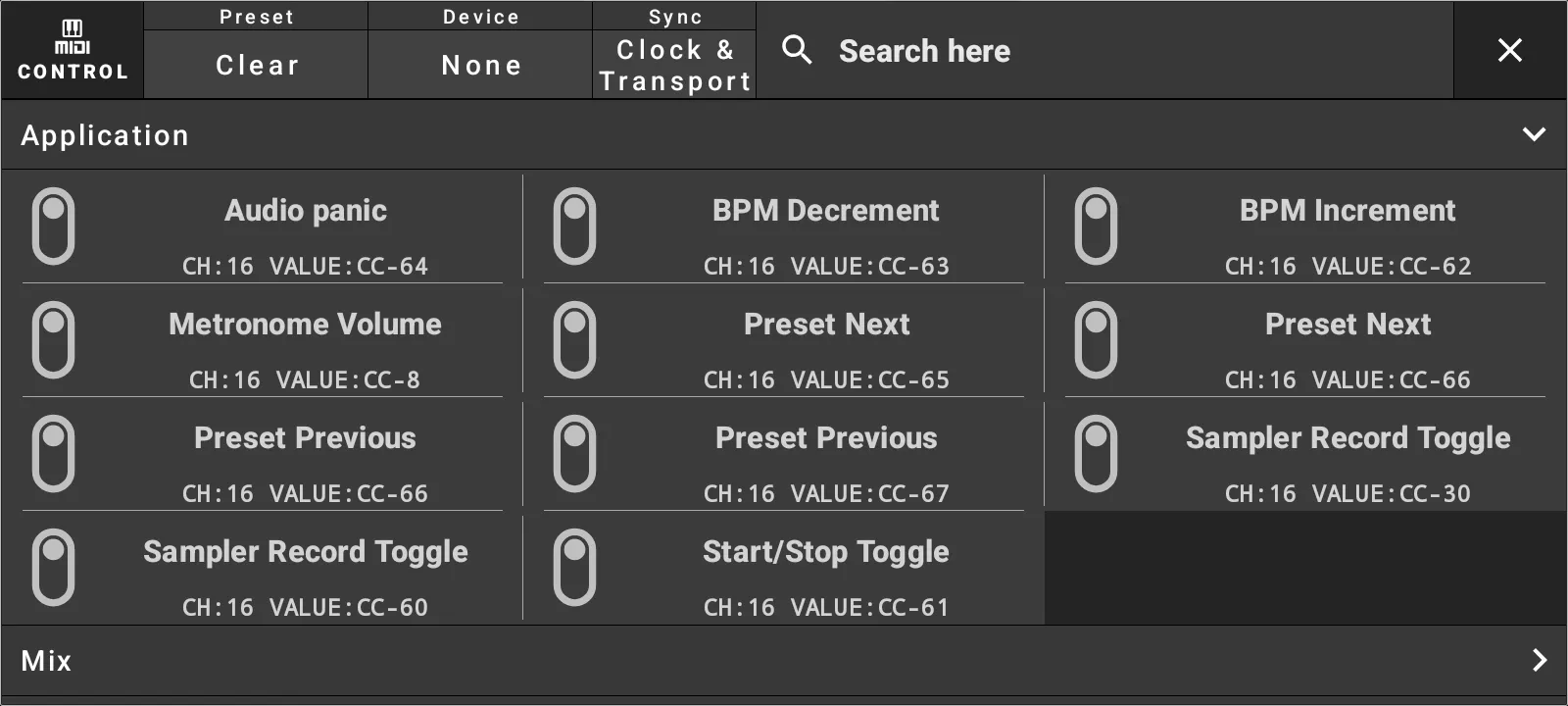
Connect FXRack to external gear and tune the app for real-time use. MIDI mappings can control
app actions, mix controls, and effect parameters, while sync output keeps compatible apps and
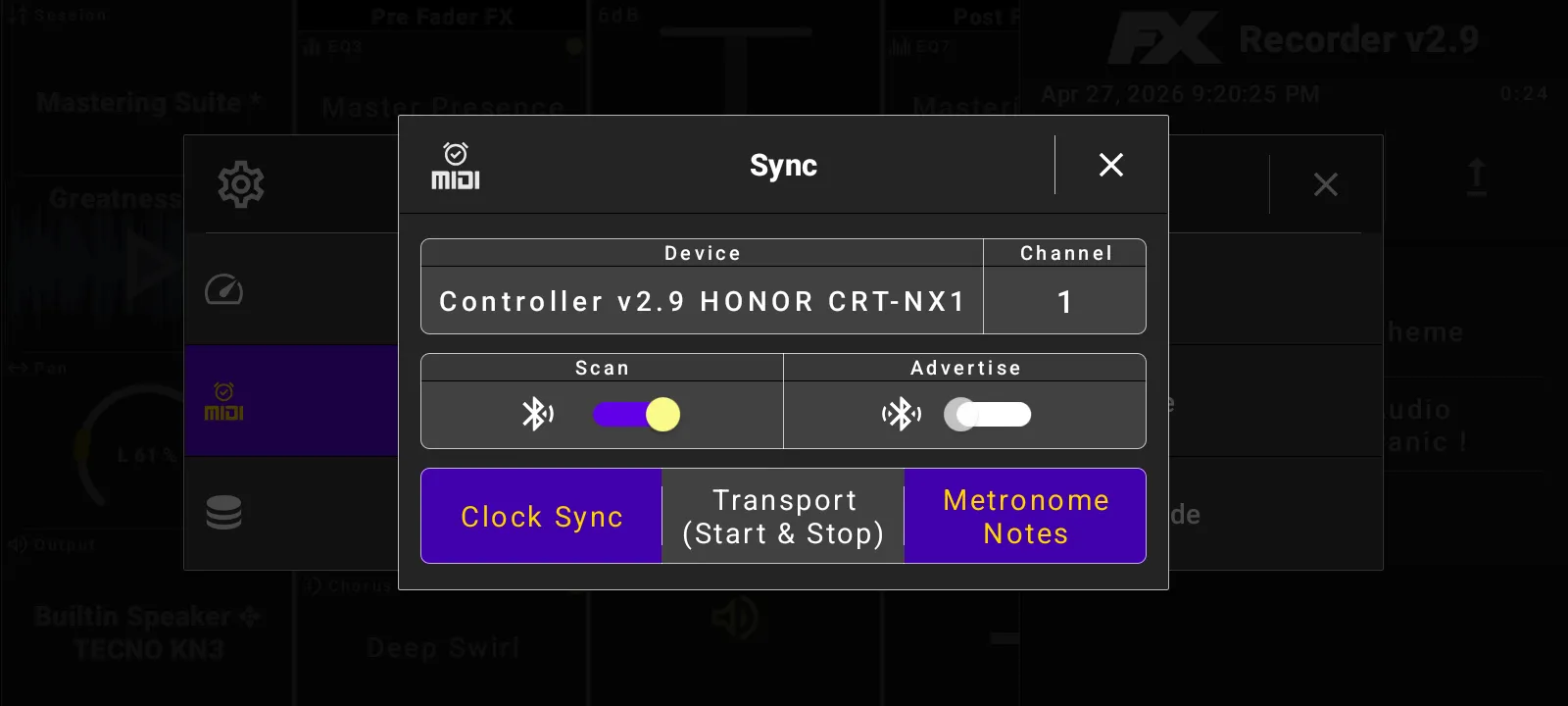
devices aligned with clock, transport, and metronome notes.
Tempo and sync time
Set BPM from the rack and choose musical sync lengths such as four beats.
MIDI control mappings
Map Audio panic, BPM changes, preset navigation, sampler record, start/stop, mix controls, and effect parameters.
MIDI sync output
Send clock sync, transport start and stop, and metronome notes to a selected output device and channel.
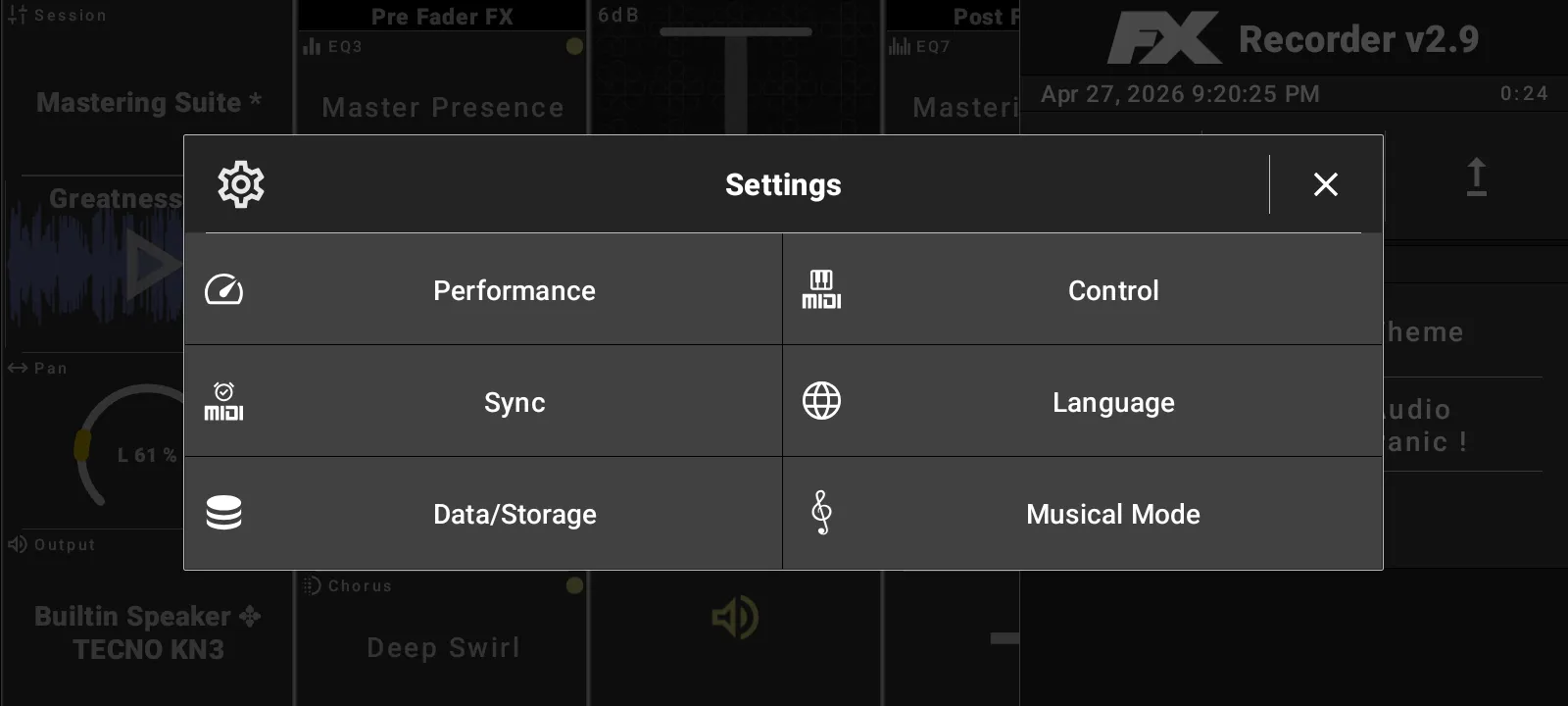
Audio performance settings
Choose compatibility or performance presets, then tune audio input and output settings manually when needed.
App tools and settings
App sampler side panel with record, edit, library, and export tabs
Audio format and bitrate choices for exported app sampler audio
Pan and output device selection, including Automatic and explicit output devices
Audio panic for stopping unsafe audio state immediately
Theme picker with System, Light, Dark, Blue light, Blue, Gold, Wood, Pastel Light, and Sepia themes
Data and storage export/import plus audio storage format preferences
WAV, AIFF, FLAC, ALAC, MP3, OPUS, OGG, and AAC storage format options
Android notification controls for active playback or recording